Asset Management Portal
A unified system to track, allot, and maintain assets across schools, districts, and field operations — with clear ownership, audit trails, and ticket workflows from receipt to retirement.
First-time schools can complete one-time setup through the School Login. Admin and staff access is by invitation — contact your administrator if you do not have credentials.
Choose your portal
Two entry points — one for schools, one for administrators and field staff.
School Portal
For school administrators
Acknowledge incoming assets, raise tickets, track maintenance visits, and view your inventory at a glance.
- Confirm bulk-allotted assets
- Raise and follow up on tickets
- Verify school location and profile
Admin & Staff Portal
For superadmins, supervisors, technicians, and officials
Manage masters, allot assets, schedule visits, run audits, and monitor operations across districts.
- Bulk asset allotment to schools
- Ticket triage and assignment
- Field visits, attendance, and audits
First-time setup
How schools sign in for the first time
A one-time, five-step setup. After this you'll log in directly with your school code and password.
- 01Step 01
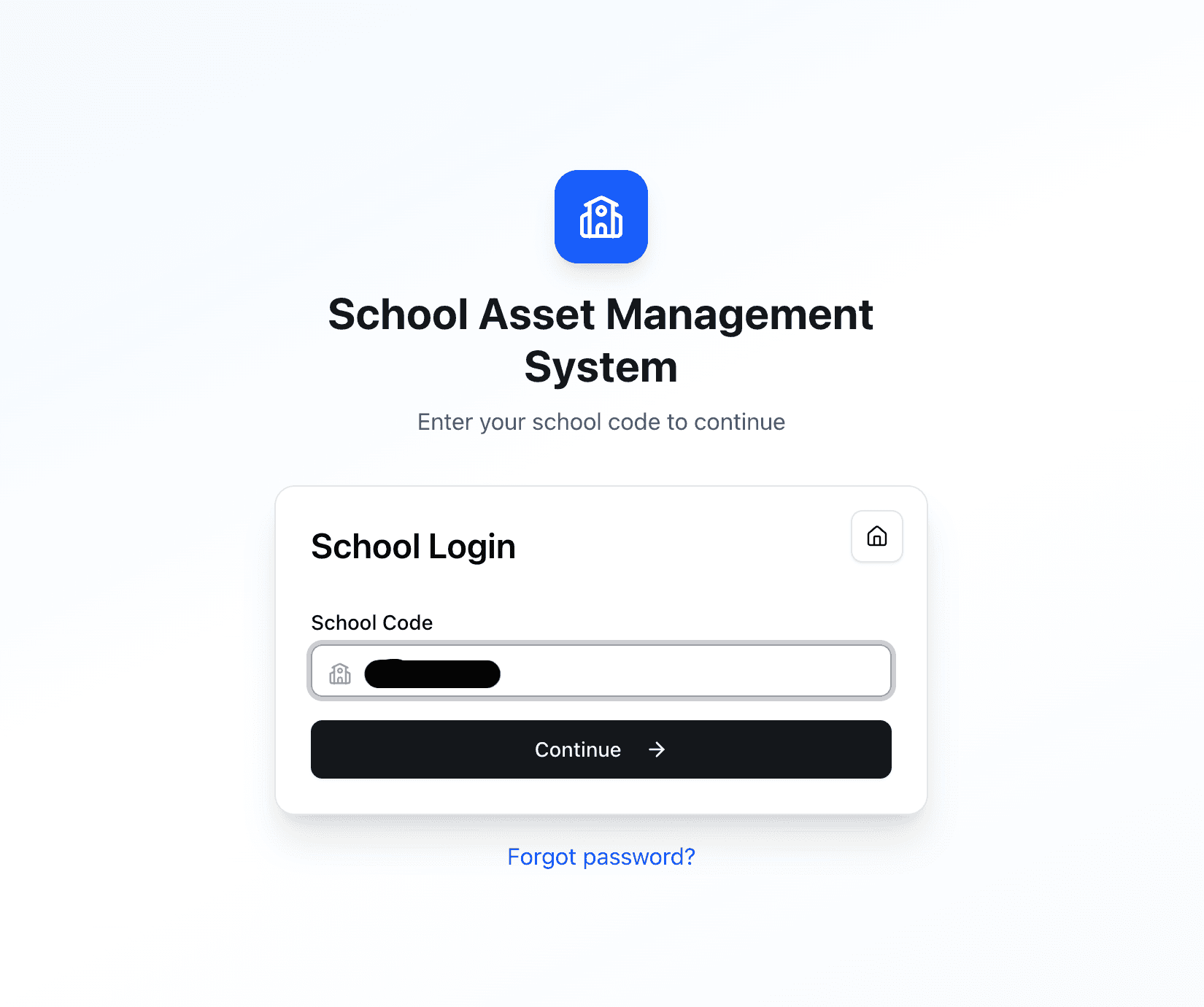
Open the School Portal
Go to the School Login page and enter the unique school code provided to you by your administrator.
- 02Step 02
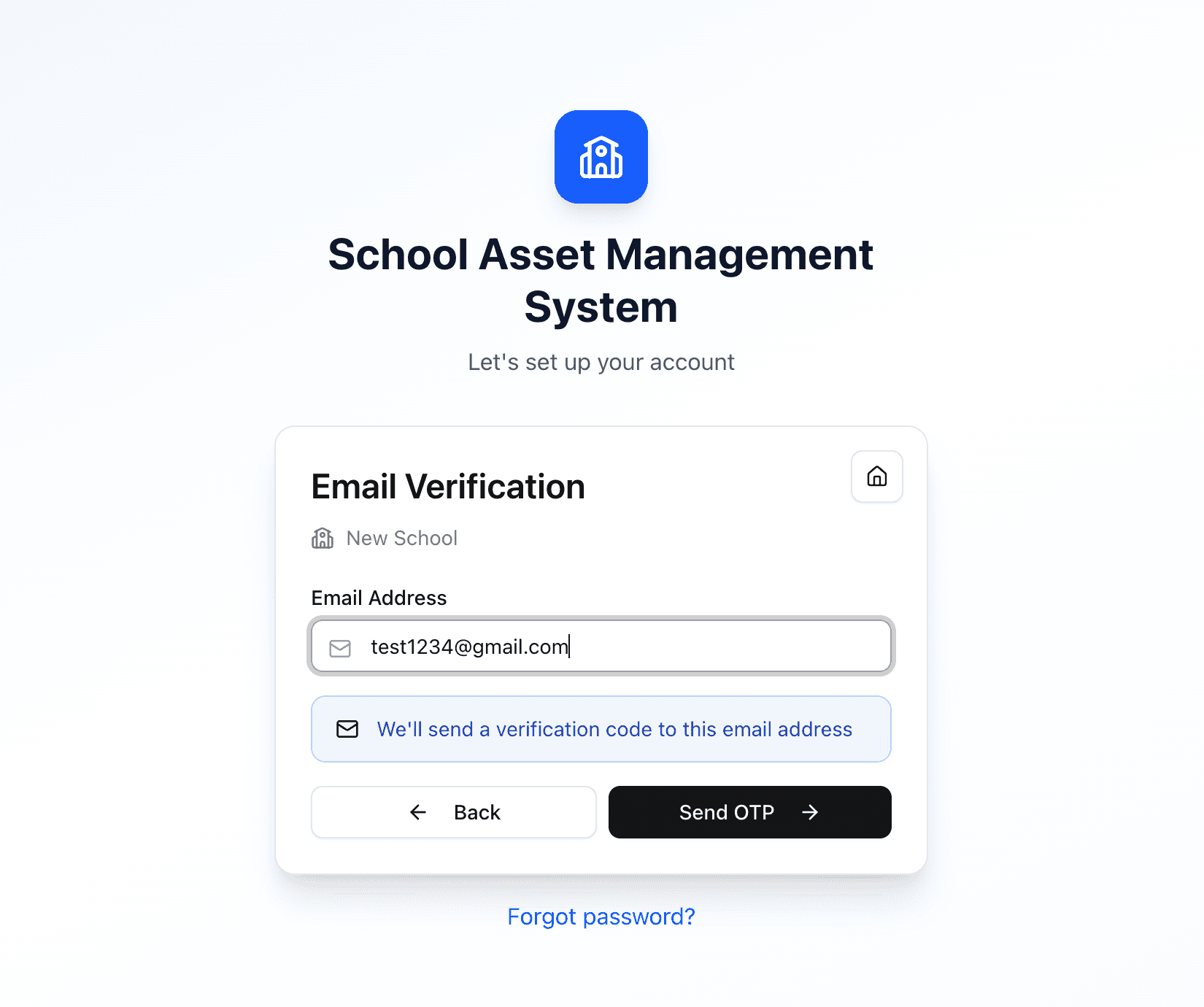
Verify with OTP
A one-time password is sent to your registered email or mobile. Enter it to confirm your identity.
- 03Step 03
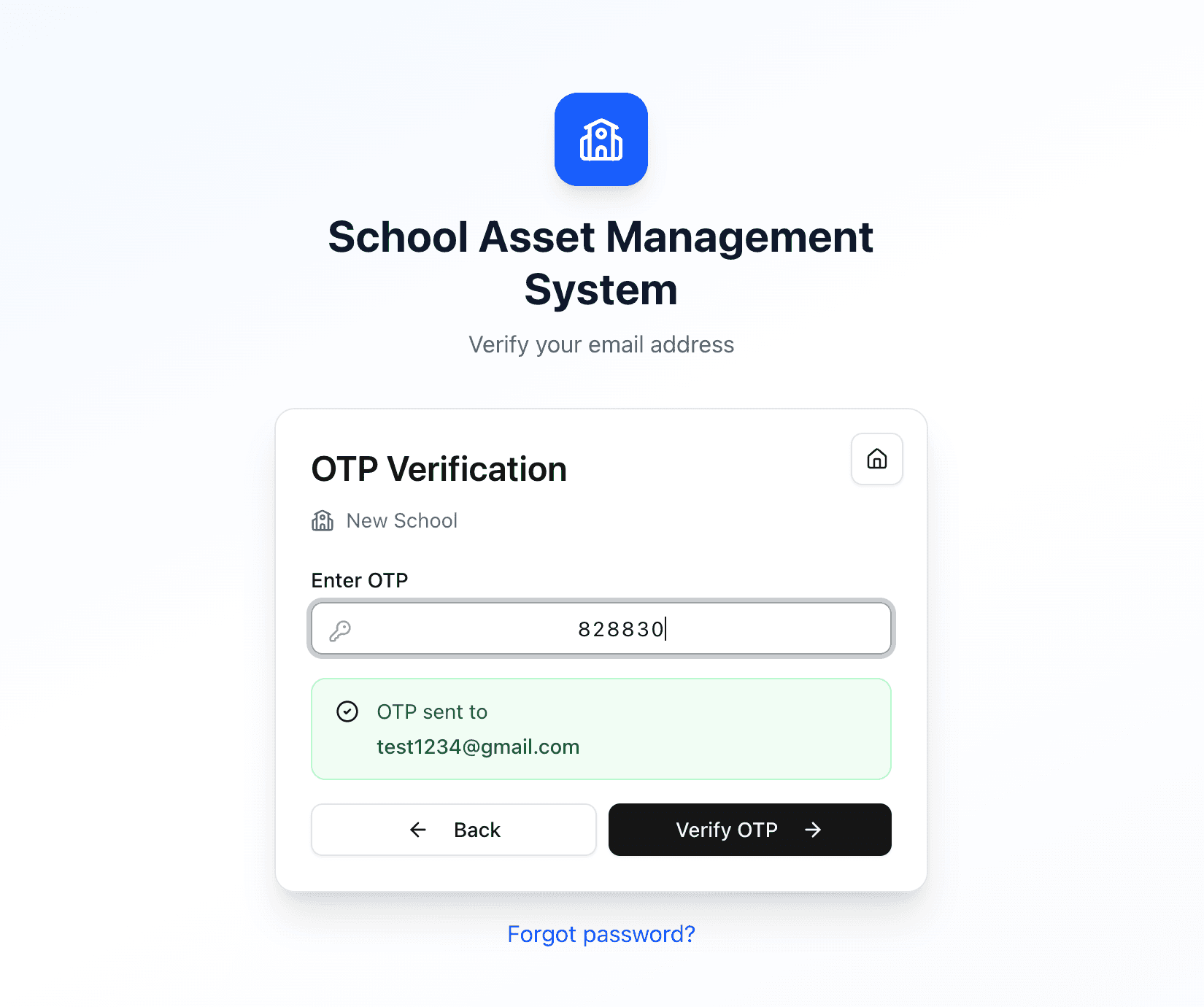
Set your password
Choose a strong password for your school account. You'll use this for every future login.
- 04Step 04
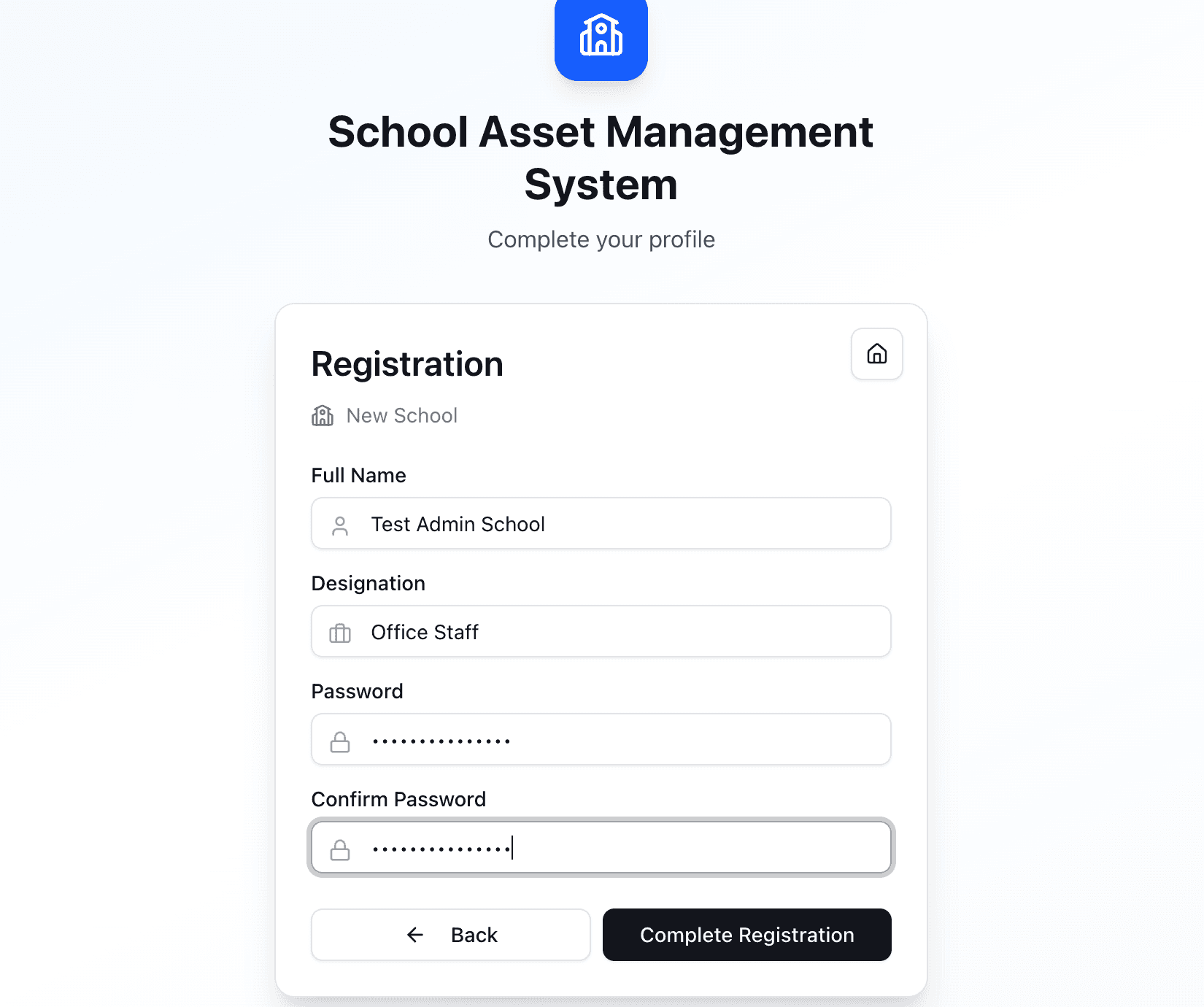
Confirm school details & You're in
Review and confirm your school's address, contact person, and basic profile details before continuing. You will land on the school dashboard after this step.
- 05Step 05
You're in
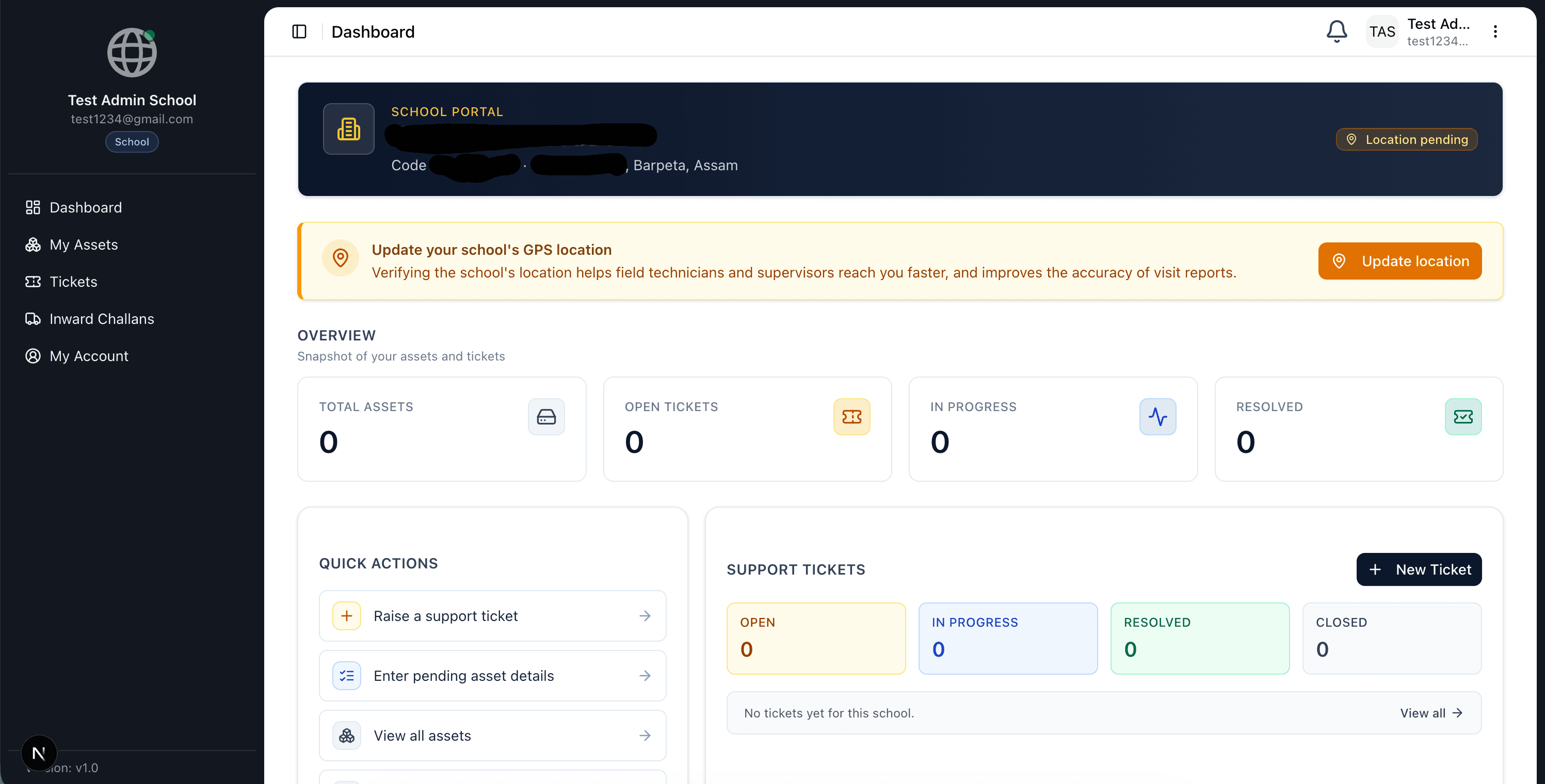
Land on the school dashboard. Acknowledge allotted assets, raise tickets, and verify your GPS location.
What this portal does
End-to-end asset lifecycle, in one place
From procurement to retirement — every asset has a clear owner, a traceable history, and a defined workflow.
Asset Catalog
Maintain a structured catalog of products, makes, suppliers, and per-template specifications for laptops, networking, power, and software.
Bulk Allotment
Allot assets to many schools at once via Excel upload — with preview, validation, and a complete audit trail per batch.
GRN & Acknowledgement
Schools acknowledge incoming assets, enter serial numbers, installation date, warranty, and insurance — auto-generating GRNs.
Tickets & Visits
Schools raise tickets; supervisors triage and assign; technicians schedule visits, submit attendance, and close with reports.
Field Operations
Geo-tagged attendance, photo verification, periodic asset audits, and per-district performance dashboards.
Role-Scoped Access
State, district, and school-level access control — every action attributed to the user who performed it, with full history.
How it works
From allotment to retirement
Allotment
Superadmin allots assets to schools — manually via challan, or in bulk via Excel upload.
Acknowledgement
School (or assigned technician/supervisor on their behalf) enters serial number, installation date, warranty period, and insurance.
Operations
Schools raise tickets; supervisors triage; technicians visit, complete attendance, and resolve.
Audit
Field workers run periodic audits; statuses transition to MAINTENANCE or RETIRED with a complete log.